
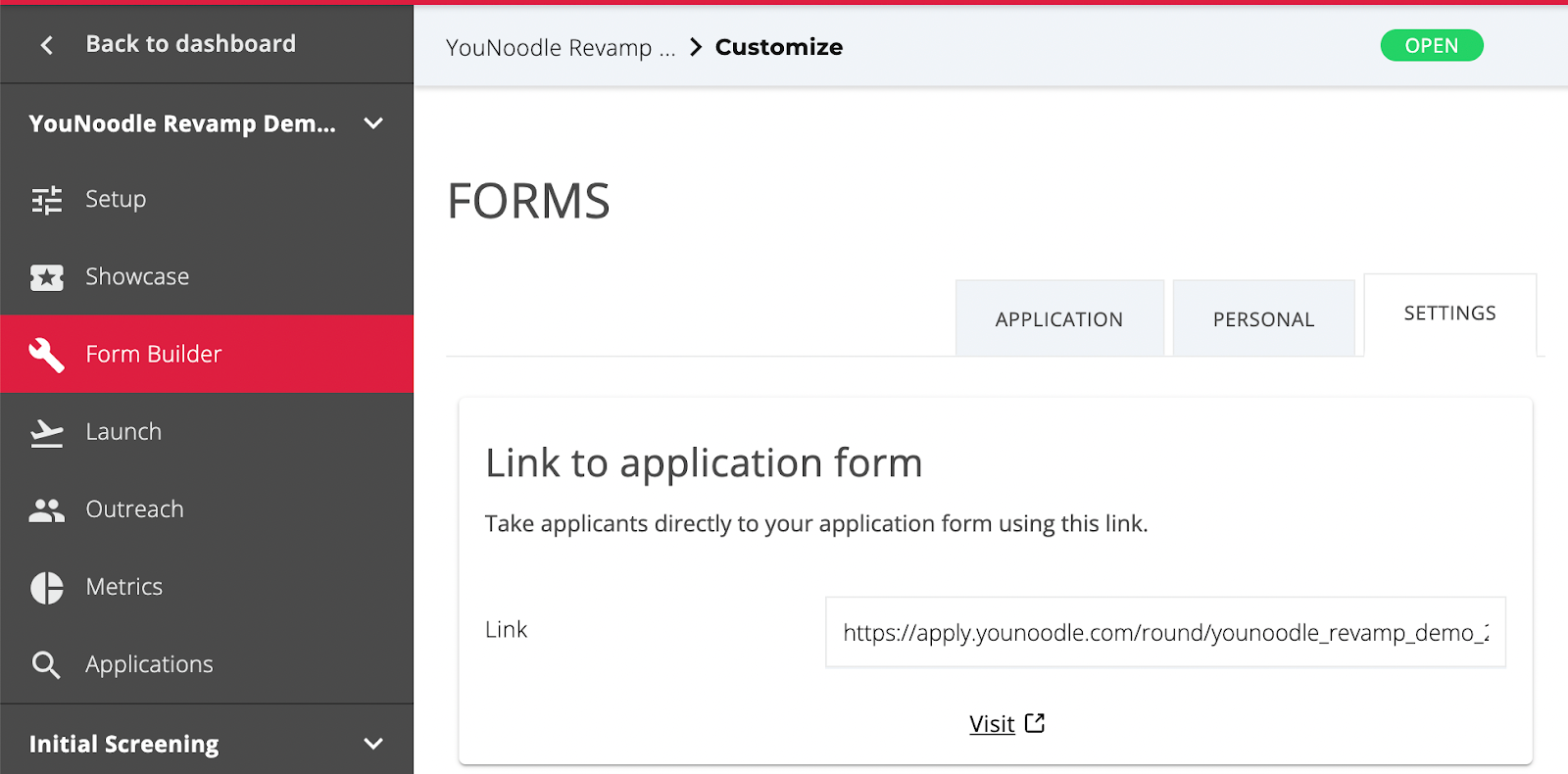
1. Navigate to the "Settings" page in the Application Form Builder. Copy and paste the provided form link into your browser.
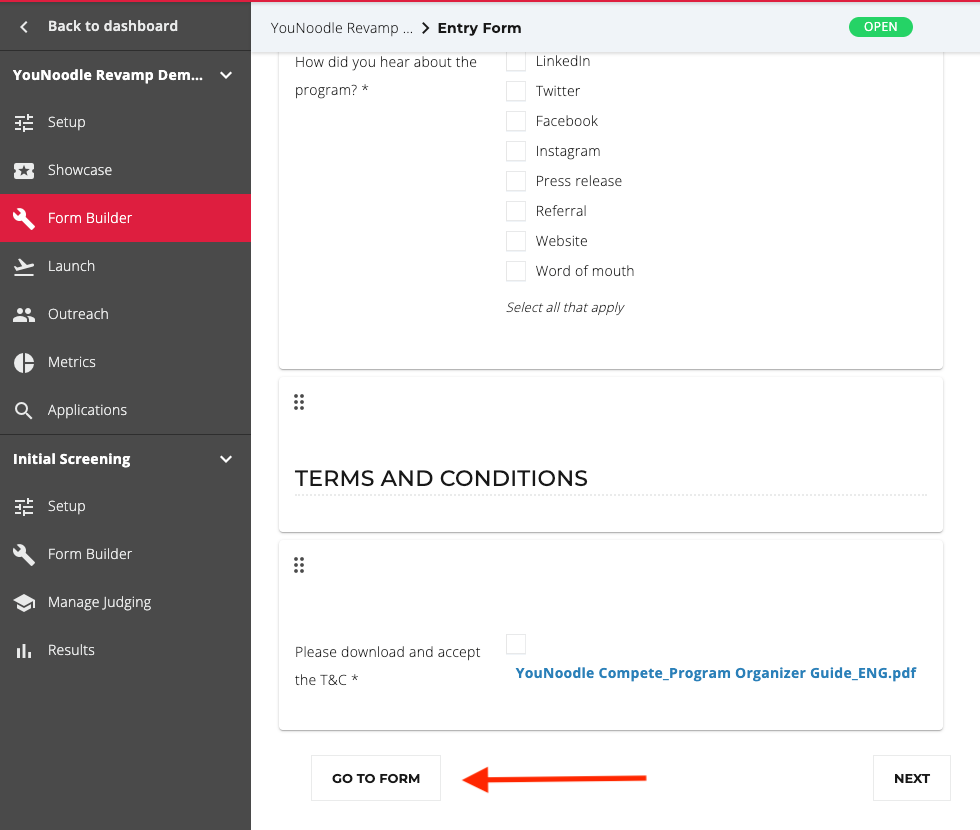
3. Alternatively, click “Go to Form” at the bottom of the Application Form Builder.
4. Once you access the form, click "Create a New Application" to preview the form as an applicant would.