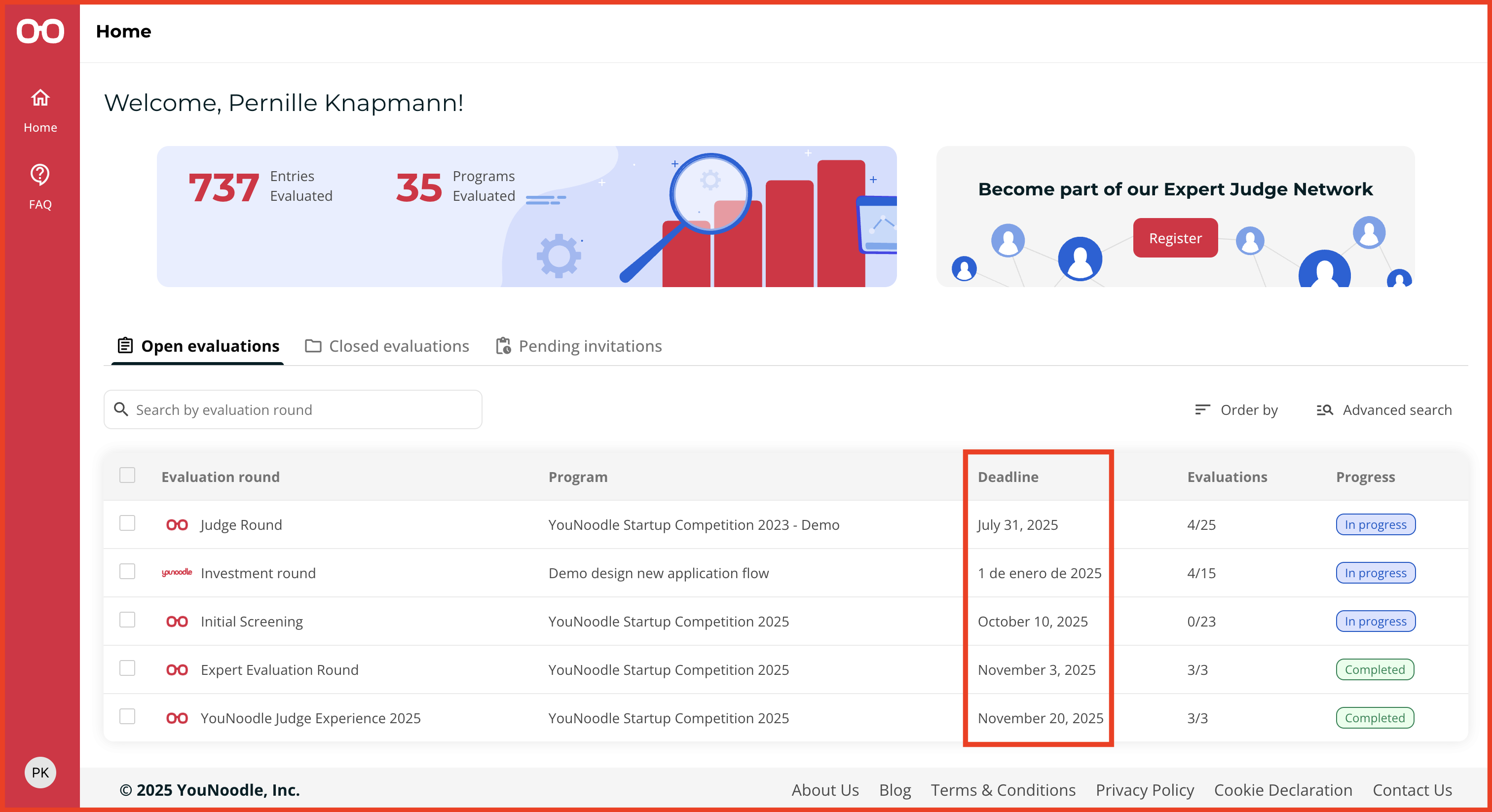
Each judging round has its own timeline. To check the status and deadline of your round:
Log in to YouNoodle: Click the “Login” button at the top right of the YouNoodle website.
-
View Your Programs (Home): Once logged in, your Home page displays the programs you've been invited to judge, organized under three tabs:
Open Evaluations: Lists active judging rounds, marked with a blue "In Progress" label, that you can still participate in.
Closed Evaluations: Shows rounds that are no longer active, with the deadline listed next to the round name.
Pending Invitations: Lists invitations awaiting your response.
The deadline for each judging round is always displayed next to its name.