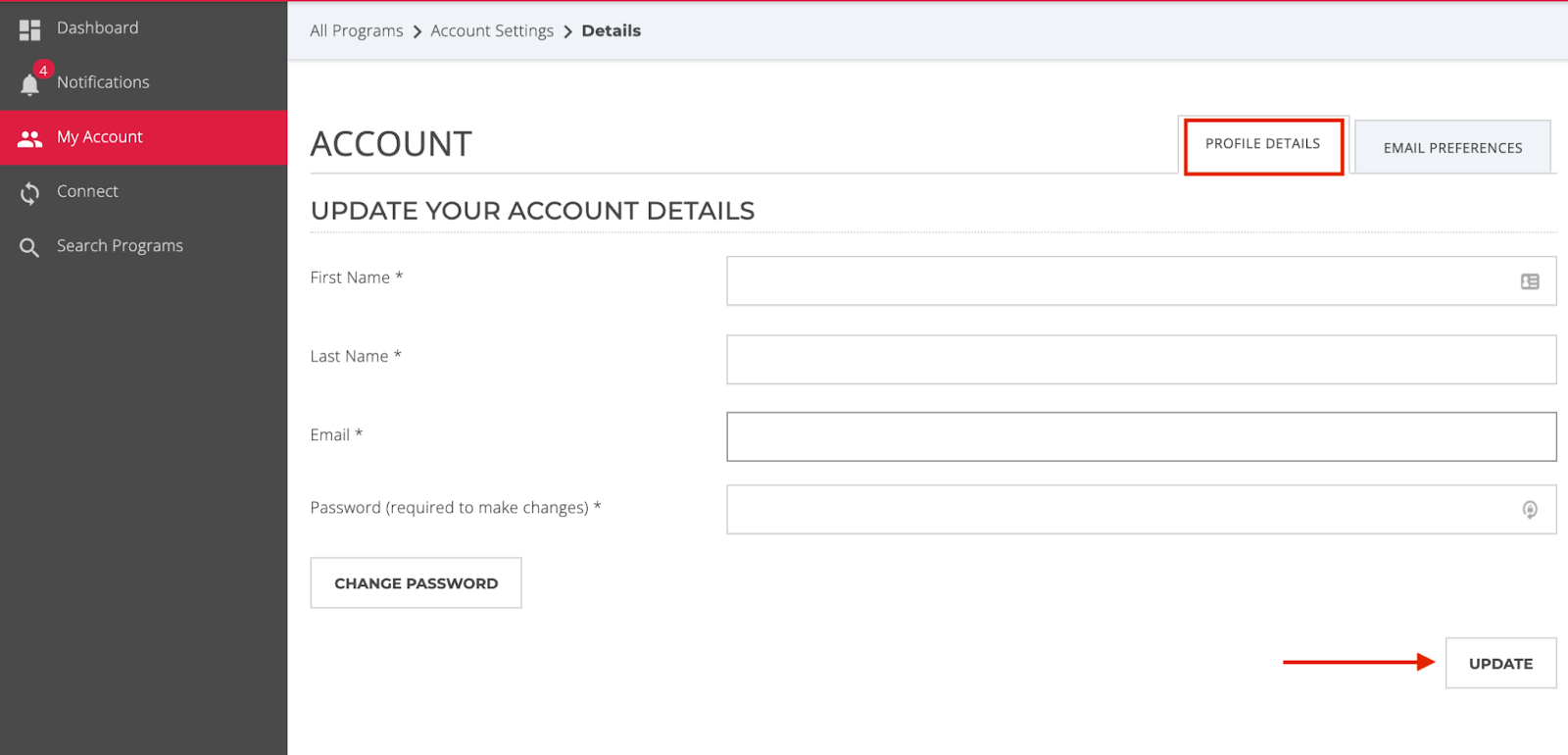
Log in to your YouNoodle account.
Click your profile picture or initials at the bottom of the left menu, then select "Manage Account."
In the "Personal Information" section, update your email address, name, or other details.
Click "Save Changes" at the bottom of the page. You will need to enter your current password to confirm changes.