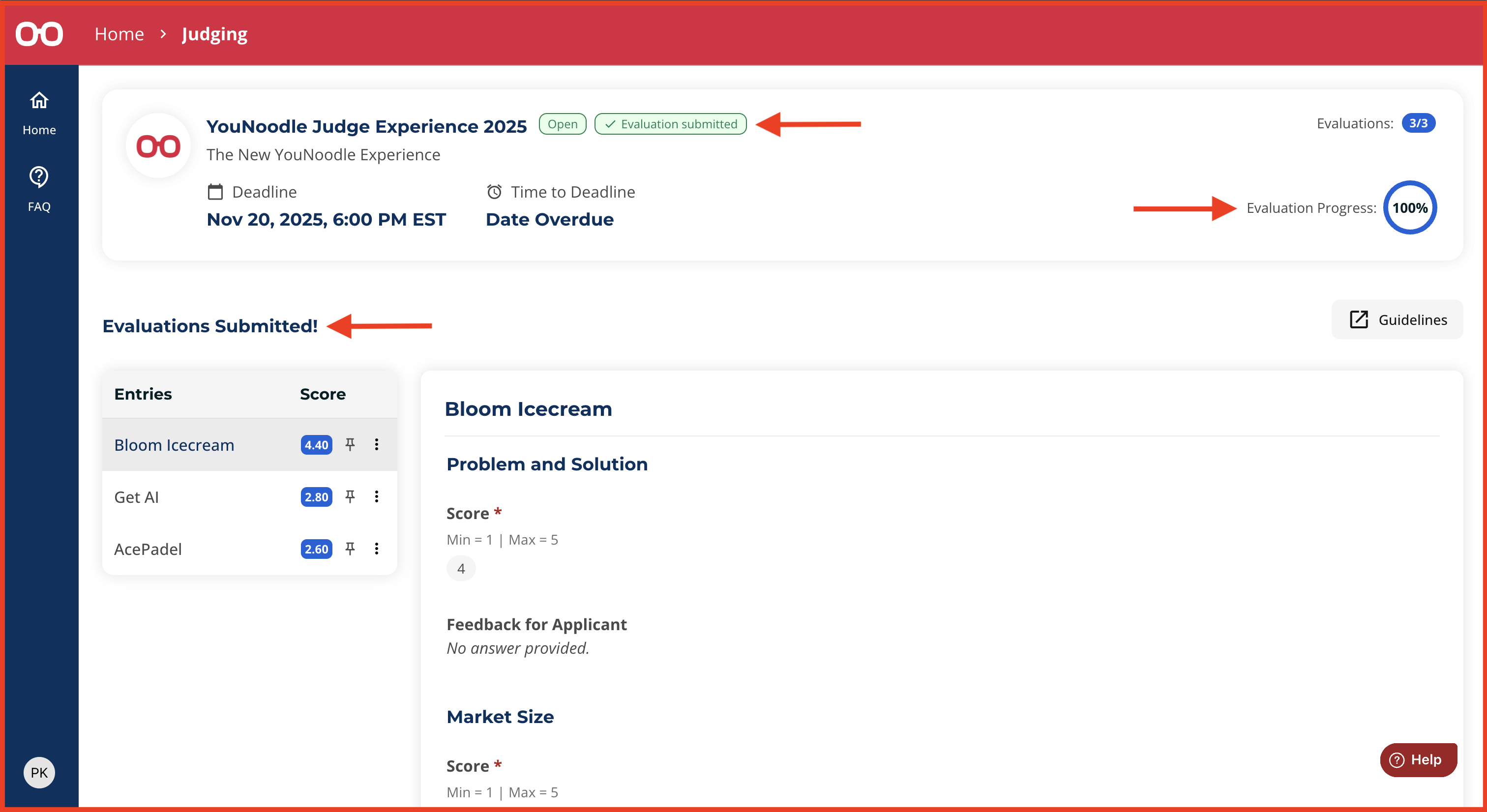
After you submit evaluations for all assigned entries, a pop-up message will appear saying “Evaluations Submitted!“, and you will be redirected to a confirmation screen. You can also confirm completion by:
On the completion page:
Your evaluation progress will show 100% in the top-right corner of the Overview section.
An “Evaluation Submitted” tag will appear at the top of the page.
You will see a summary of your inputs across all entries.
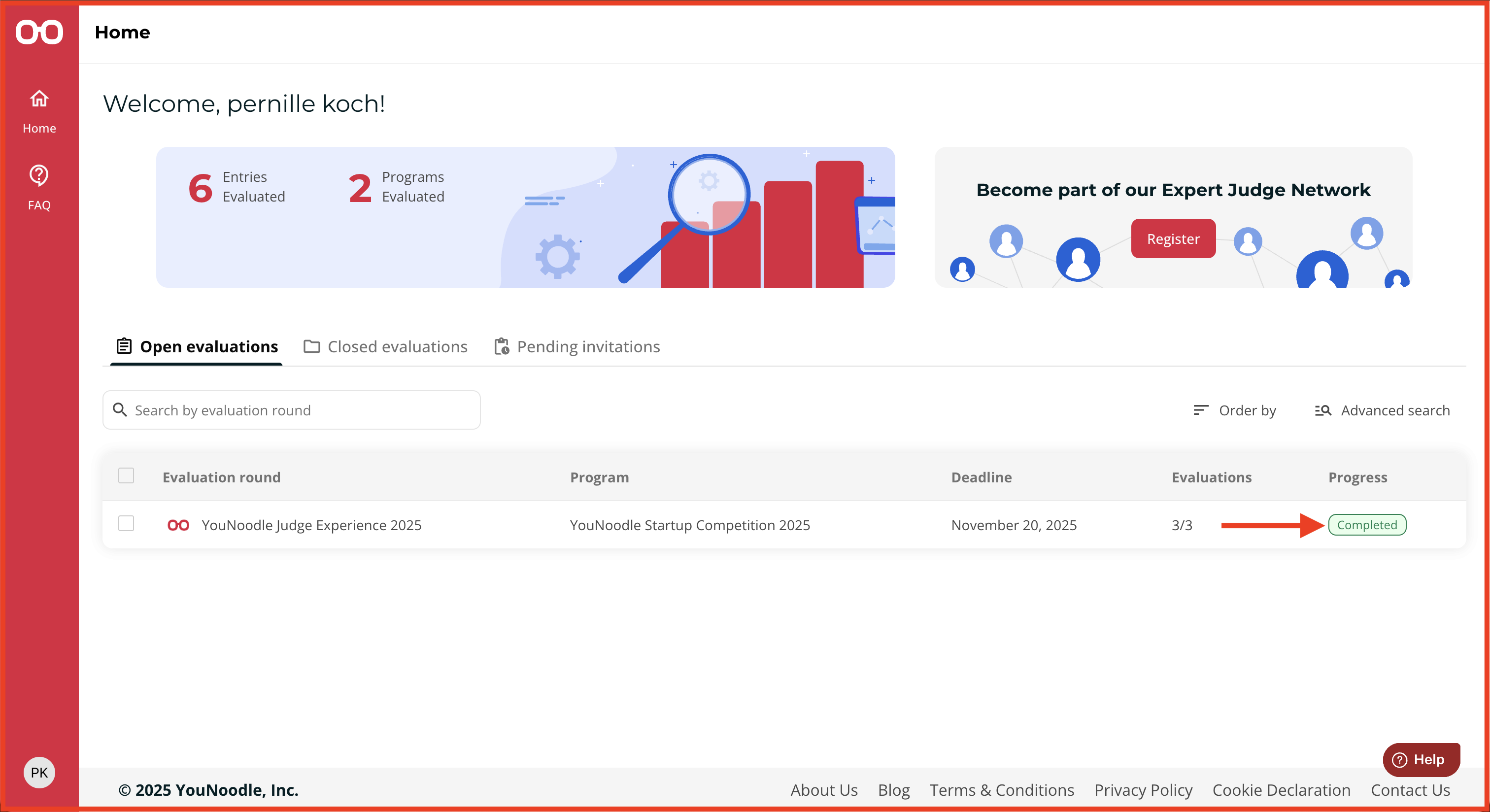
From your Home page:
The evaluation round will display a “Completed” status in the progress column.